

Meal planning
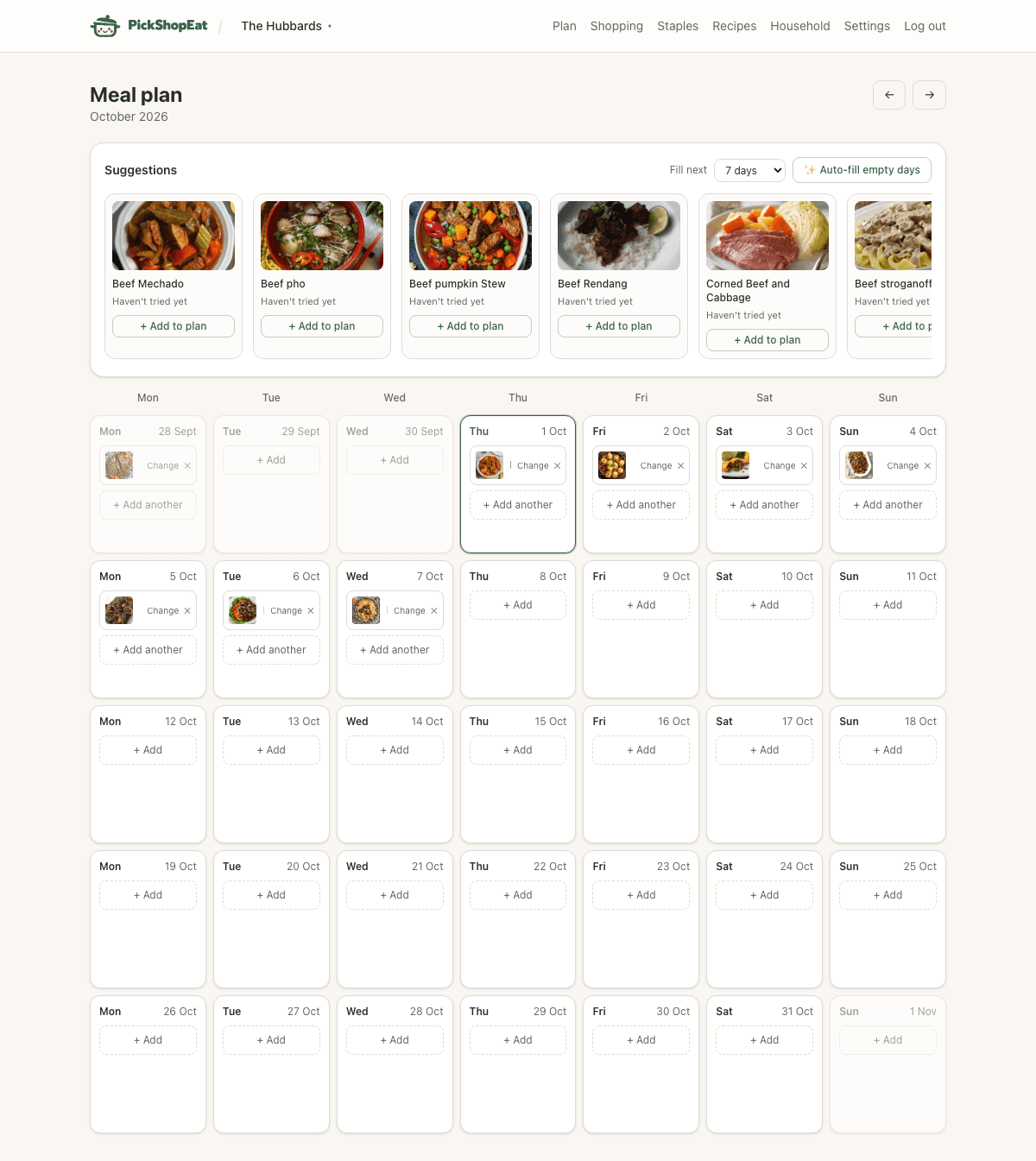
Plan opens on a real calendar month. Every day can be left blank, filled with one or more recipes, given a quick side item, or marked as eating out.
The calendar
Use the arrows to move month to month, or “Today” to jump back. Days before and after the current month are shown dimmed but are still clickable, so you can plan into next month without switching views first.
Adding something to a day
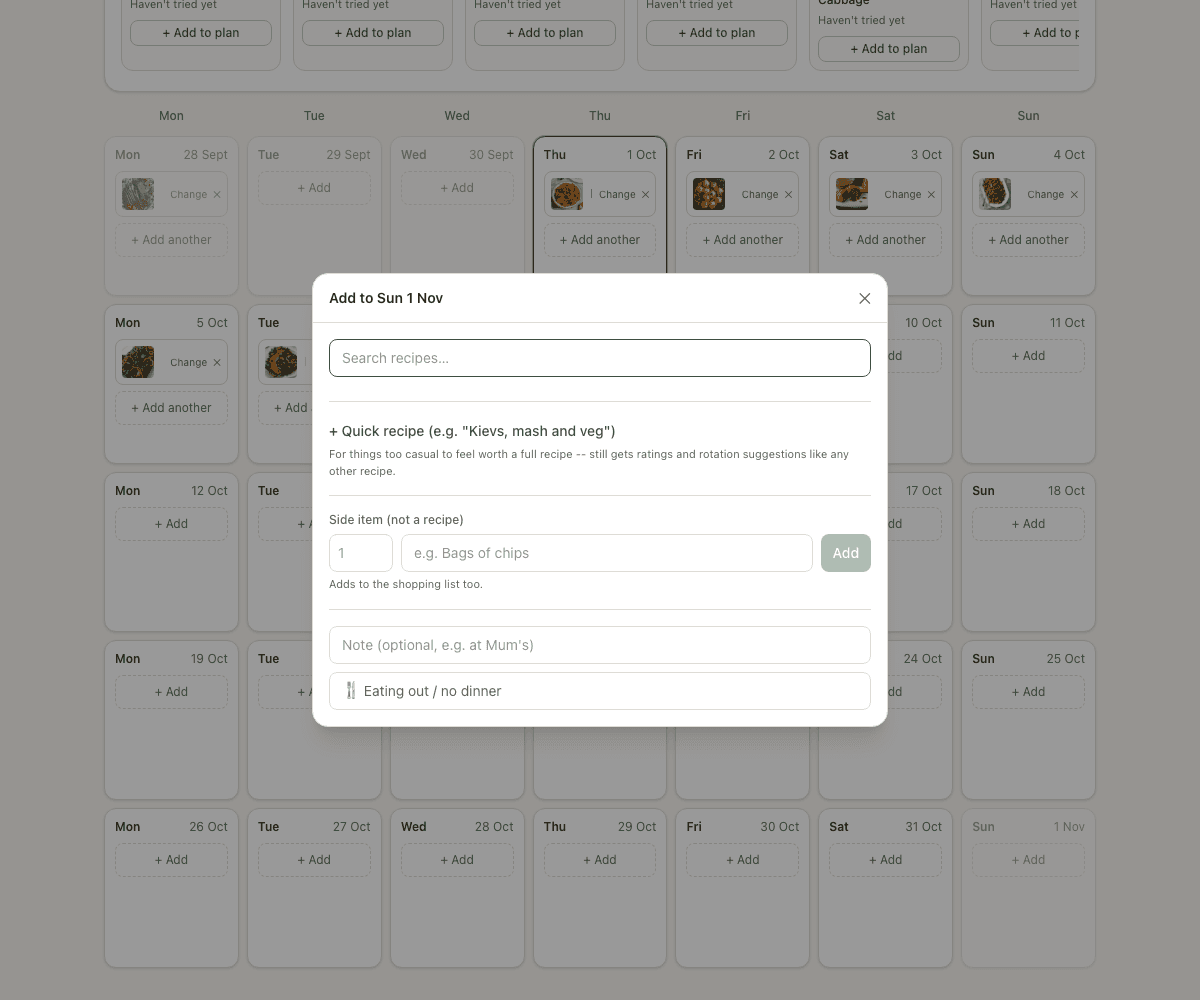
Click + Add (or + Add another on a day that already has something) to open the picker. You’ve got four options:
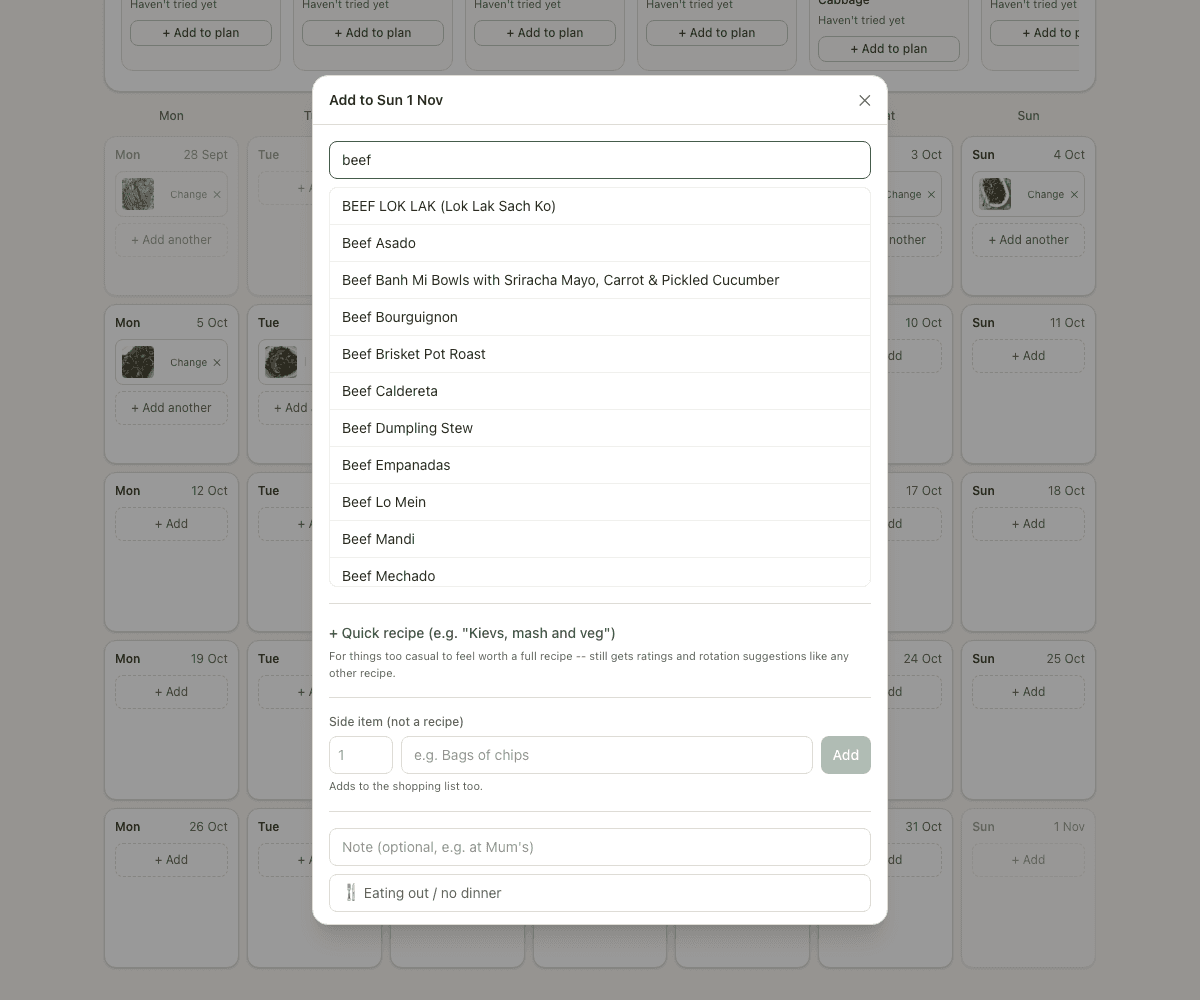
- Search recipes — find anything in your recipe bank and add it to that day.
- Quick recipe — for meals too casual to bother with the full recipe form (see below).
- Side item — a free-text line like “Bags of chips” that isn’t a recipe but still needs buying. It goes straight on the shopping list as a plain count, with no ingredient breakdown.
- Eating out — marks the whole day as eating out with an optional note. This clears anything else already on that day and keeps it out of the shopping list.
Typing in the search box filters your recipe bank instantly:
Quick recipe
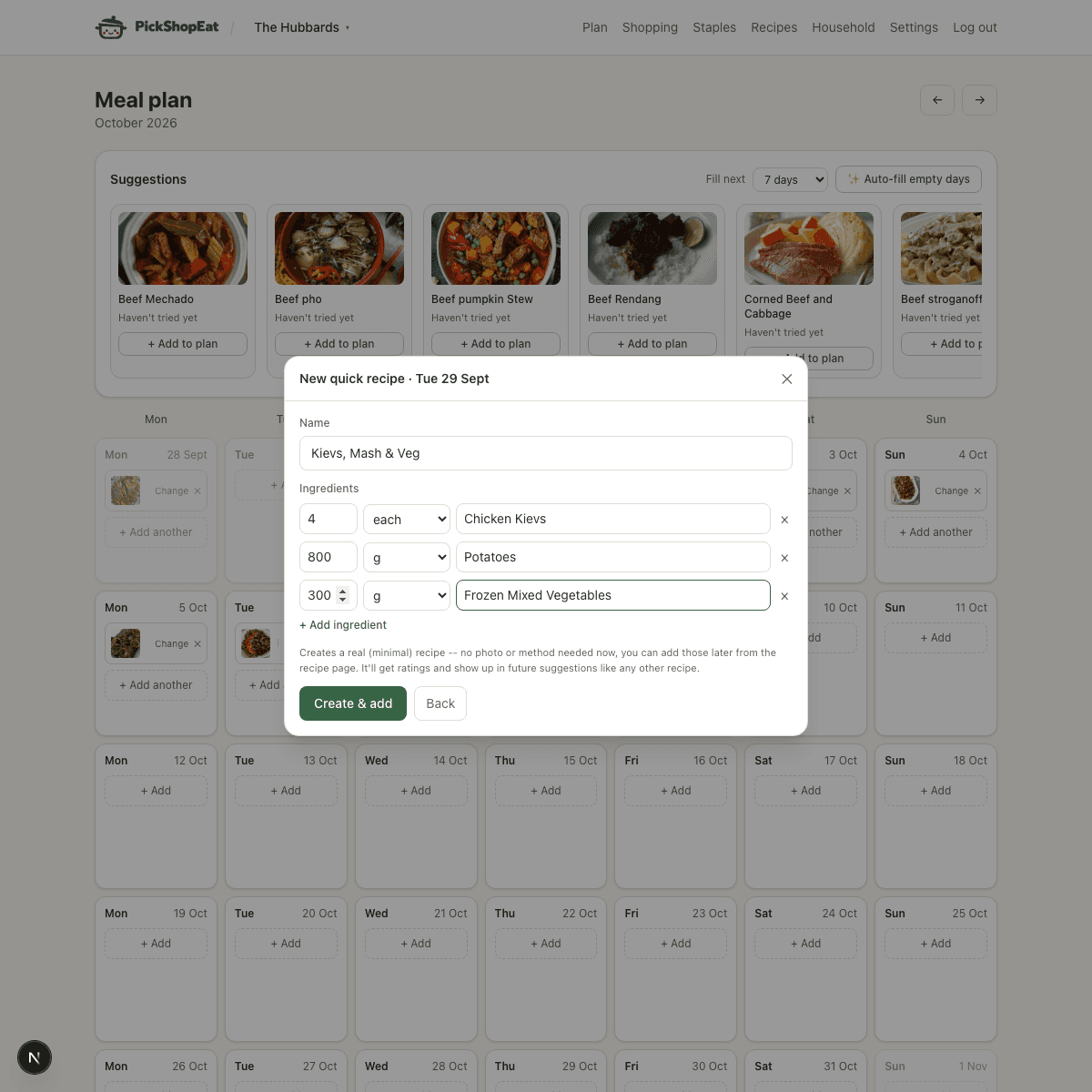
For something like “Kievs, mash and veg” — too casual to feel worth a full recipe page, but common enough that typing the same shopping-list lines over and over gets old. Quick recipe skips the description, instructions, and photo, and just asks for a name and a few ingredient lines.
It still creates a real recipe: it shows up in your recipe bank, gets ratings, counts toward “haven’t had this in a while” suggestions, and feeds the shopping list with the actual ingredient quantities you typed — not a disposable one-off label. You can always go back and add a photo or method to it later from its recipe page.
Multiple things on one day
A day isn’t limited to one recipe — add a main plus a side, or two recipes for a bigger meal. Eating out is the one exception: marking a day as eating out clears anything else on it, since there’s nothing left to shop for that day.
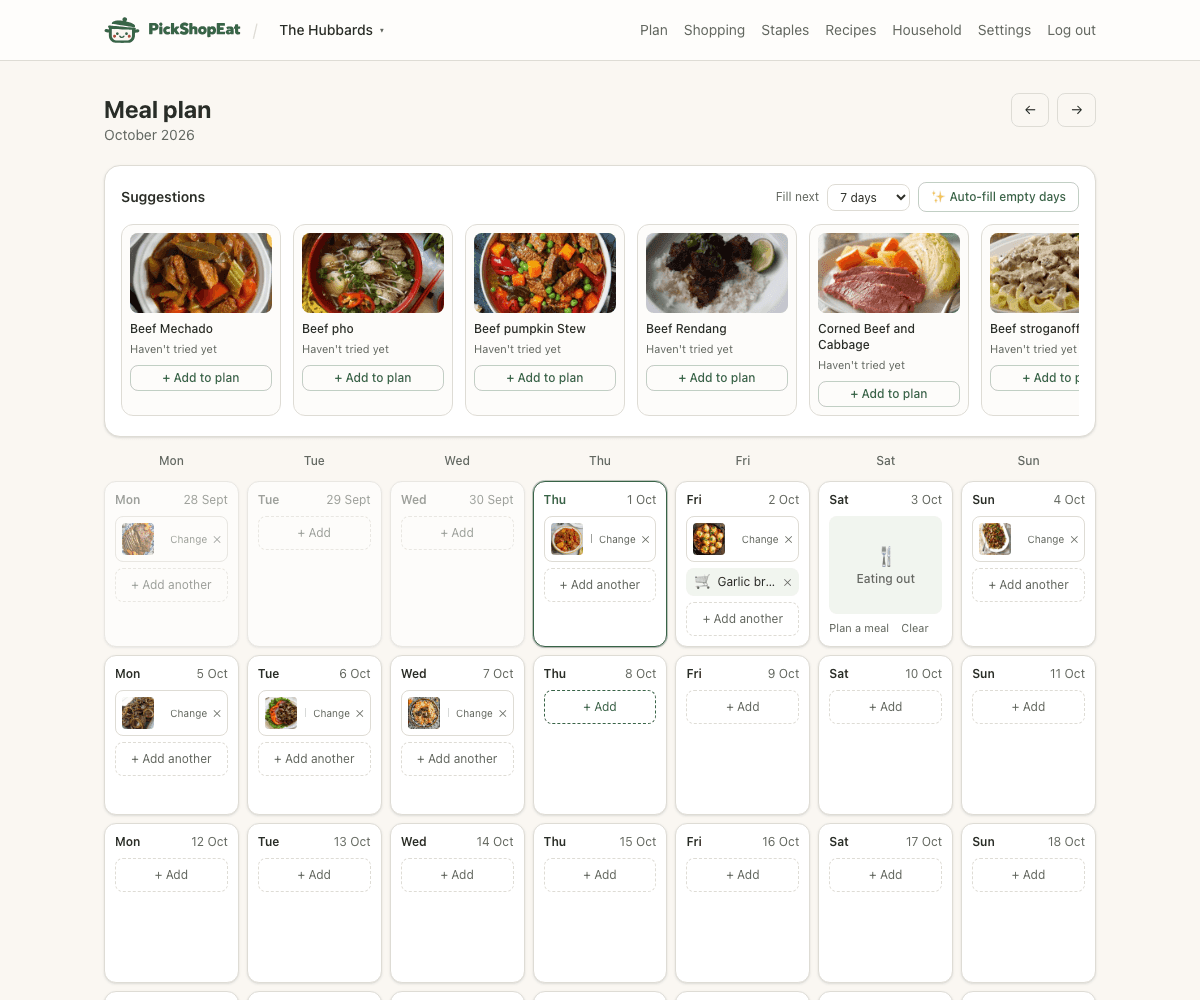
Suggestions
The suggestions panel at the top is independent of whichever month you’re currently looking at — it always looks at today onward. It surfaces recipes your household rated well but hasn’t had in a while, and “Auto-fill empty days” can plan out a stretch of blank days for you in one click, without repeating anything you just had.